
Run calls from one place.
Handle support and sales calls with routing and dialing, plus recordings and live supervision.
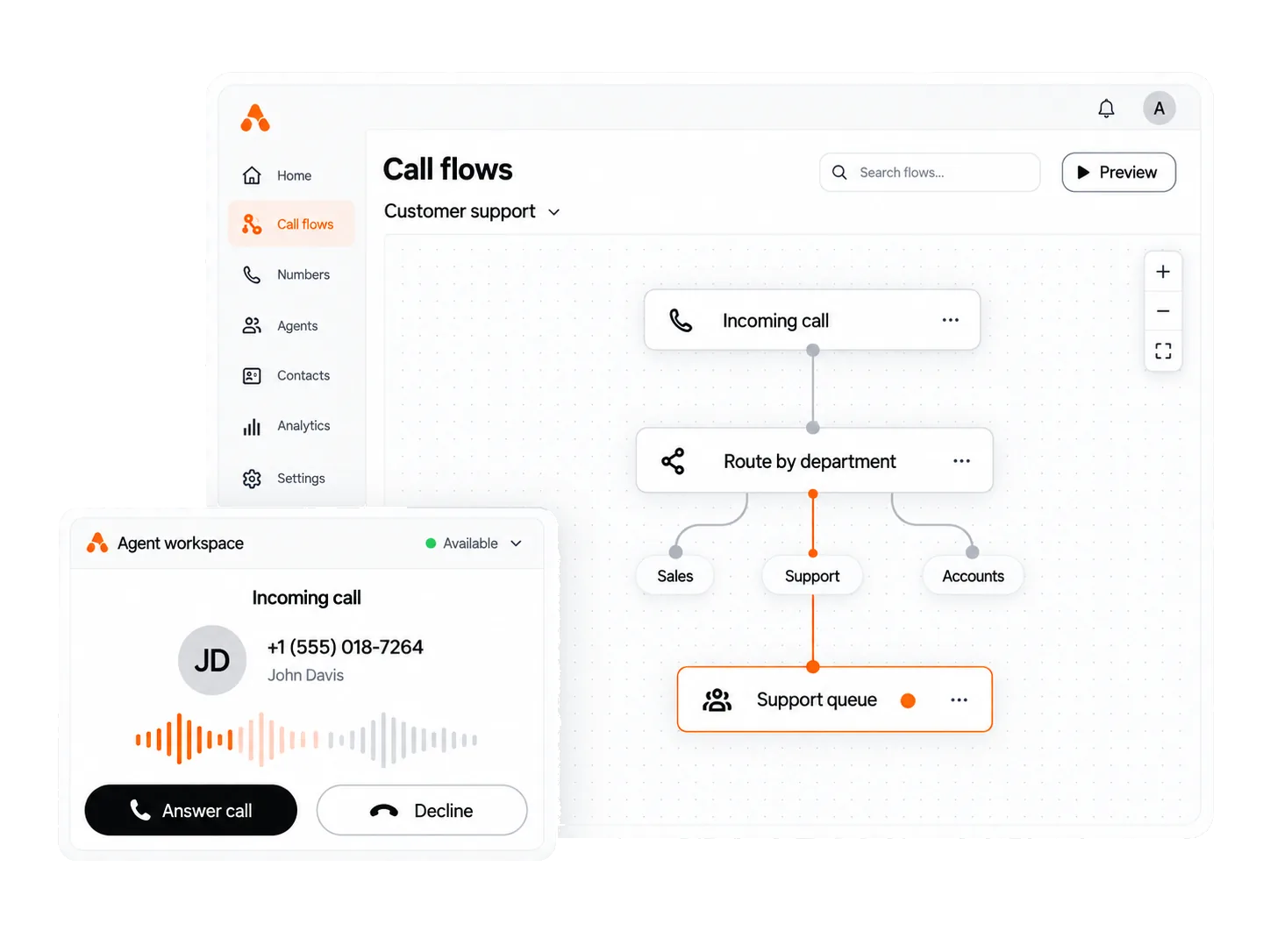
Inbound, outbound, or both.
Use one system for support calls and follow-ups. Your team can switch between queues without changing tools.
- 01
Inbound routing and IVR
Send each caller to the right agent.
Route calls by skill, language, or your own rules. Build and change the phone menu yourself.
- Route by skill, language, or your own rules
- Build and change the phone menu yourself
- Handle voicemail and after-hours calls
- 02
Outbound calling
Keep sales calls moving.
Choose a dial mode for each campaign. Click a number in your CRM to start a call.
- Choose a dial mode per campaign
- Click to call from your website or CRM
- Open the customer record before you say hello
- 03
Missed call follow-up
Follow up every missed call.
An unanswered call can book a callback or create a ticket with an owner.
- Offer a callback when an agent is free
- Turn missed calls into owned tickets
- Keep a record of each call
- 04
Live monitoring and coaching
See your team while they work.
The dashboard updates live. Supervisors can whisper, join, or take over a call without the customer hearing.
- See calls and agents live, plus attendance
- Whisper, join, or take over a call
- Score agents and send reports on a schedule
- 05
Recording and storage
Keep every recording where you choose.
Search recordings by number, agent, date, or campaign. Store them on your hardware or in our cloud.
- Record and search every call
- Use your server or our cloud
- Encrypt recordings and set access by role
Your agents should work the queue, not the tools.
Calls, follow-ups, and customer details live in different places. Agents retype numbers and lose context.
-
Agents jump between windows on every call.
-
Missed calls need a callback and an owner.
-
You hear about a bad call from the customer.
-
Your recordings stay on a system you do not control.
Connect the tools you already use.
Bring calls, WhatsApp, Telegram, SMS, email, CRM, and sheets into one workspace. Your team stops retyping.
We connect other tools during setup with our API.
Book a demoGet live in three steps
Book a demo
Spend thirty minutes with us. We use a real example from your team.
We configure and deploy
We connect your phone lines, call menus, and CRM on your servers or ours.
Your agents go live
We train your agents and supervisors, then support the team after launch.
Tell us how your team handles calls.
Inbound, outbound, or both. Use your servers or ours. Most teams go live in one to two weeks.
Call +977 9707077135. We are in Kathmandu, Sun to Fri, 9 AM to 6 PM.
Common questions
Answers before you book a demo.
What is Abstract Call Center Solution?
One system for inbound and outbound calls. It includes routing, phone menus, dialing, live supervision, and recording.
Can we run it on our own servers?
Yes. Run it on your servers or our cloud. Keep recordings and customer data where your rules require.
How long does setup take?
Most teams go live in one to two weeks. We connect phone lines, call menus, CRM, and training.
Does it work with our CRM?
Yes. Agents click a number in the CRM and the customer record opens before the call. We set this up during install.
What happens to calls nobody answers?
They can book a callback or create a ticket with an owner. The system keeps the call record.
Can supervisors listen in on a live call?
Yes. Listen, whisper, join, or take over. The customer hears nothing. Calls are recorded and searchable.
How many agents does it take to be worth it?
It works for a few seats or hundreds. Tell us your seat count and we will price it on the demo.
What support do we get after go-live?
Agent and supervisor training is included. Support continues after launch, and our team works in your time zone.